Anatomy of an AI Agent Harness: Exploring Microsoft’s Agent Framework
Agent design determines how models use tools, retain work and seek approval; this guide explains Microsoft defaults and safer Python file access.

An agent harness is the runtime software that turns a language model’s output into tool calls, persistent work and checked results. The model requests an action. The application still needs software to handle approvals, enforce execution boundaries and maintain conversation state while that action runs. Microsoft’s Agent Framework provides an opinionated Harness that assembles those capabilities.
Microsoft’s Harness documentation describes composition, not a separate runtime. It brings existing chat clients, context providers and middleware together as a normal framework agent.
Why Microsoft puts a harness between the model and real work
An answer is not an executed task. A tool-call request is not one either. Microsoft puts a harness around the model to run tools, maintain conversation state and context, apply approval policies, and coordinate progress through tasks that require more than one step.
The distinction is agent = model + harness, a formulation used by Databricks, LangChain and Wikipedia. Databricks divides the responsibilities this way:
| Component | What it does | Plain-language analogy |
|---|---|---|
| Model | Reasons, predicts and generates text or other outputs | The "brain" of the system |
| Harness | Executes actions, manages memory, runs tools and enforces rules | The “body” and workspace around the brain |
| Agent | The full working system that combines the two | A worker who can think and act |
Microsoft positions its Agent Framework Harness for research, coding and data analysis, as well as other long-running work. These tasks can require files, external tools and repeated checks.
Execution machinery guarantees neither correctness nor safety. Wikipedia describes models fabricating actions or reporting unfinished tasks as complete. I’d treat approvals and verification as controls, not as proof that the requested work actually ran and succeeded.
Following a bug fix through the model–tool–feedback loop
Databricks’ coding example puts that division to work: the model proposes a bug fix, the agent harness executes it, and test results return to the model so it can try again after a failure.
- Reason: The model considers the bug and proposes a code change.
- Act: The harness runs the code in an isolated sandbox.
- Observe: The harness captures test results and returns them to the model. Failed tests prompt the model to reason about the error and attempt another fix.
This is the ReAct reason–act–observe cycle. Databricks dates the ReAct paper to 2022; Wikipedia lists the ICLR paper as 2023. The sandbox needs closer attention. It belongs to Databricks’ example, not to every harness: Microsoft’s architecture does not automatically provide an isolated execution environment merely because a harness is involved.
Microsoft distributes the work across five architectural layers. They run from the connection to the model through to the application interface where a person can approve a tool call:
- Chat client: Connects the agent to the model proposing the fix.
- Chat pipeline: Adds function invocation, message injection, history persistence after each service call, and optional compaction.
- Agent and context providers: Supply session-scoped instructions, tools, memory, todo state, and operating modes.
- Middleware and decorators: Add approval handling, observability, and optional bounded looping.
- Application UX: Streams responses, displays progress, and collects input such as tool approvals.
The composed object is still a framework agent: a .NET HarnessAgent deriving from AIAgent, a Python Agent, or a Go provider-backed *agent.Agent.
Tool invocation is not the same as re-invoking the agent. Function invocation happens inside a request, with a configurable per-request iteration limit. Go provider constructors own that tool-invocation loop. Optional bounded looping works at a different level: evaluators or predicates re-invoke the agent itself. Failed tests can therefore return to the model during tool use without entering the additional agent-level loop.
Which Microsoft harness capabilities are enabled—and which are not
Microsoft Learn’s capability matrix identifies features that need configuration, features that depend on the selected chat client, and differences between SDKs.
| Capability | Harness behavior | Canonical guidance |
|---|---|---|
| Function invocation | Enabled with a configurable per-request iteration limit. Go provider constructors own the tool-invocation loop. | Function tools |
| Per-service-call history persistence | Persists history after each model call in a tool-calling run. | Sessions |
| Compaction | Enabled when token limits or a custom strategy are supplied in .NET and Python. Go requires explicit provider composition. | Compaction |
| Todo tracking | Enabled by default. | Planning and todos |
| Agent modes | Plan and execute modes are enabled by default. | Planning and todos |
| File memory and file access | Session file memory is enabled by default; shared file access is opt-in. | Context providers |
| Tool approval | Standing approvals and auto-approval rules are enabled by default. | Tool approval |
| OpenTelemetry | Agent observability is enabled by default. | Observability |
| Web search | Added by default where the selected chat client supports it. | Web search |
| Agent Skills | Enabled by default in .NET and Go; opt-in through a provider or paths in Python. | Agent Skills |
| Background agents | Optional parallel delegation to named child agents in .NET and Python. No packaged Go background-agent provider. | Background agents |
| Shell execution | Composed from the shell package; the Python factory can wire it automatically. | Shell tools |
| Looping | Optional bounded re-invocation driven by evaluators or predicates. | Agent looping |
Approval infrastructure does not mean confirmation before every action. It includes standing approvals and auto-approval rules; Go explicitly applies approval middleware to tools that require approval.
Creating a Python harness and setting its context budget
Microsoft’s Python factory, create_harness_agent, returns a fully configured Agent. Its options keep operating guidance separate from task-specific instructions and set context and output limits. These are Microsoft’s factory examples, not standalone programs. Running them requires an appropriately configured model client and an async execution context for the await call.
The first example constructs the agent harness, opens a session, then passes a trip-planning request through that session.
from agent_framework import create_harness_agent
from agent_framework.openai import OpenAIChatClient

agent = create_harness_agent(
    client=OpenAIChatClient(model="gpt-4o"),
)

session = agent.create_session()
response = await agent.run("Plan a weekend trip to Seattle.", session=session)
print(response.text)
The next configuration separates the harness’s operating guidance from its research role. It also sets context and output limits explicitly.
agent = create_harness_agent(
    client=client,
    name="research-agent",
    harness_instructions="Use tools deliberately and report verified results.",
    agent_instructions="You are a research assistant focused on academic sources.",
    max_context_window_tokens=128_000,
    max_output_tokens=16_384,
)
Instruction order is deliberate: harness_instructions precedes agent_instructions, putting operating guidance before the research role. When the default harness guidance is used, DEFAULT_HARNESS_INSTRUCTIONS supplies it.
Those token values configure this example, not the capacity of every model the factory could use. Microsoft documents Python compaction as enabled when token limits or a custom strategy are supplied.
Keep the factory when changing defaults. The targeted switches are disable_todo, disable_mode, disable_web_search, disable_tool_auto_approval, and disable_compaction; each disables its corresponding default. Replace built-in providers with todo_provider or mode_provider. Add providers through context_providers.
For the equivalent setup in a .NET application, the corresponding entry points are AsHarnessAgent and HarnessAgentOptions, rather than the Python factory.
Isolating file access and keeping write operations behind approval
Supply a store and Microsoft’s file-access capability uses one shared workspace by default. A session does not imply session-isolated file access; that requires explicit configuration. I’d leave write approval enabled unless both the storage boundary and the tool inputs are trusted, rather than treating a session as sufficient isolation.
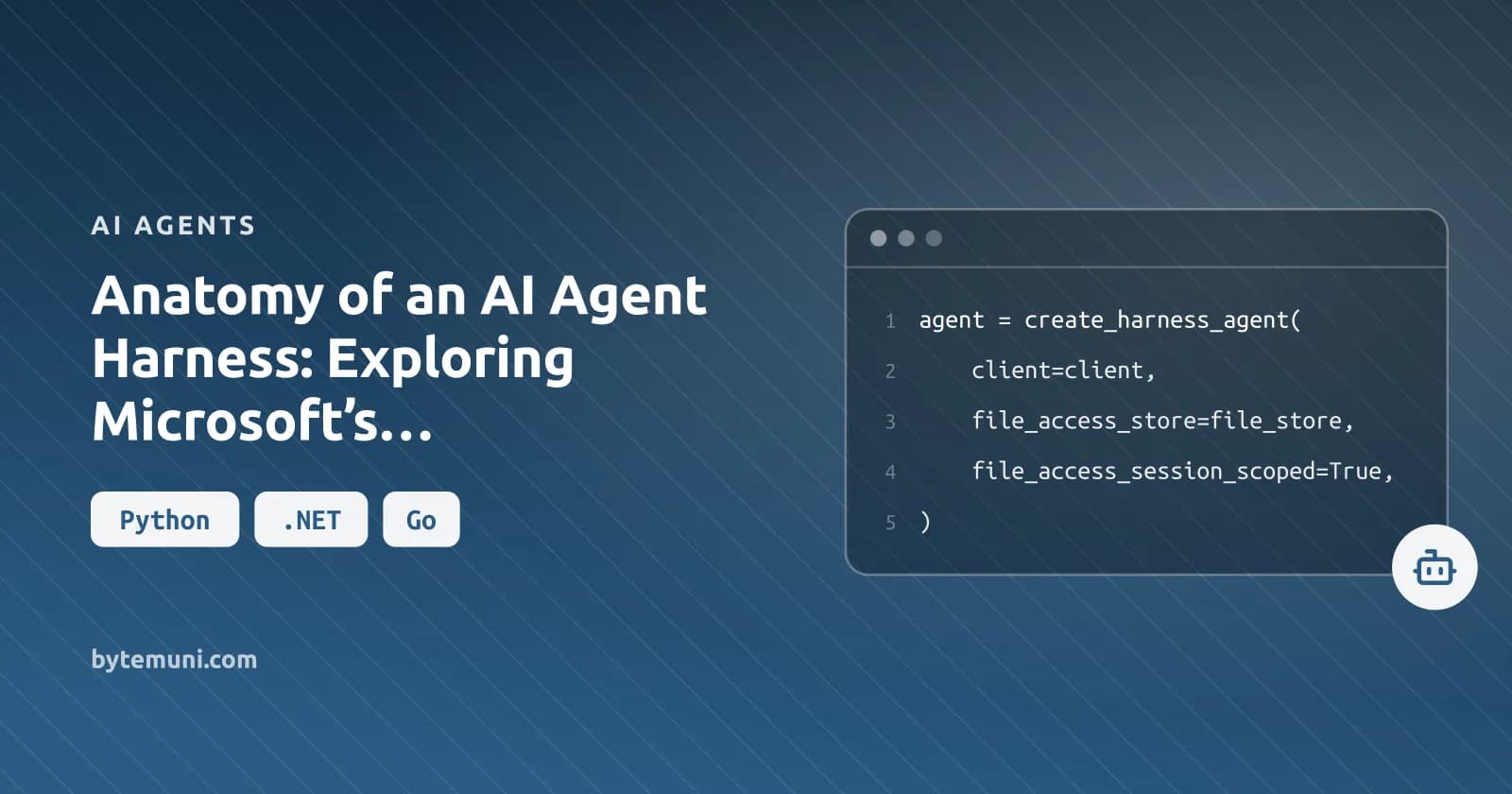
To isolate file access by the active session ID, set file_access_session_scoped=True.
from agent_framework import FileSystemAgentFileStore, create_harness_agent

file_store = FileSystemAgentFileStore("agent-files")
agent = create_harness_agent(
    client=client,
    file_access_store=file_store,
    file_access_session_scoped=True,
)
Sharing files across selected sessions requires a different choice. When that sharing is intentional, add FileAccessProvider(store=file_store, scope="tenant-1") through context_providers. The scope is an opaque folder key managed by the provider, not a filesystem path. Scoped access fails closed if neither an active session ID nor an explicit scope is available. It does not fall back to the shared store root.
The next configuration gives the workspace tools a prefix and auto-approves only that provider’s read-only tools, leaving writes outside that rule.
from agent_framework import FileAccessProvider, create_harness_agent

workspace = FileAccessProvider(
    store=file_store,
    tool_name_prefix="workspace",
)

agent = create_harness_agent(
    client=client,
    context_providers=[workspace],
    auto_approval_rules=[workspace.get_read_only_tools_auto_approval_rule()],
)
The prefix generates names such as workspace_file_access_read, avoiding name collisions when several file-access providers are present. Provider-specific approval-rule factories match the generated names. Check the factory before using it: get_all_tools_auto_approval_rule() covers reads and writes.
Guard line edits against stale locations
- Find 1-based line locations with
file_access_grep. - Inspect an inclusive range with
file_access_read_lines; each returned line has a number-and-tab prefix. - Edit whole lines with
file_access_replace_lines, supplyingexpected_linetext without that prefix. The expected text guards against stale or mismatched line numbers editing the wrong line.
Grep uses case-insensitive regular expressions, with a maximum pattern length of 256 characters. Its 10-second budget covers the entire search. Invalid patterns, overlong patterns, and searches that exceed the budget return errors. Do not retry the same search unchanged: narrow the directory or the pattern before making another attempt.
But file scoping alone is not a sandbox: LangChain describes isolated code execution, command allow-lists, and network isolation as protections provided by an execution environment. A scoped workspace does not supply those protections by itself.
Keeping long tasks coherent with memory, compaction, and bounded delegation
LangChain calls the deterioration in reasoning as context fills context rot. Its filesystem pattern moves intermediate work into files and preserves progress across sessions. Databricks gives persistent files and retrieved history a similar purpose: work can resume without depending entirely on whatever remains in the current conversation.
Memory enters the model’s context. It does not change the model’s weights. LangChain’s AGENTS.md example loads stored knowledge at startup, illustrating that pattern.
For oversized tool outputs, LangChain describes retaining head and tail tokens while saving the complete output in files. It also describes disclosing skills progressively instead of loading every skill upfront. These are design patterns, not guaranteed Microsoft behaviors. Python skills need explicit configuration through skills_provider or skills_paths.
LangChain’s parallel subagents receive isolated task contexts; Microsoft’s background-agent delegation runs child agents. Provider background responses do neither of those jobs. They poll or resume a single request using a continuation token, rather than assigning work to child agents.
LangChain’s Ralph Loop is not Microsoft’s optional bounded evaluator/predicate loop. It intercepts an exit attempt, reinjects the original task into clean context, and recovers state from durable files.
What the benchmark claims show—and what Microsoft has not demonstrated here
Databricks and LangChain report performance claims for their own systems; those results do not demonstrate Microsoft’s implementation.
| Publisher | Reported comparison | Result |
|---|---|---|
| Databricks | GPT-5.5 paired with the OfficeQA Pro Agent Harness | 52.63% |
| Databricks | OfficeQA Pro comparison with GPT-5.4 | 36.10% |
| LangChain | Its coding agent on Terminal Bench 2.0, changing only the harness | Top 30 to Top 5 |
| LangChain | Opus 4.6 in Claude Code versus other harnesses | Lower in Claude Code; no scores given |
Databricks describes its OfficeQA Pro result as “cutting errors nearly in half.” But the model changes too. This is not a controlled harness-only improvement. The harness targets complex, multi-part enterprise document tasks, and the result is evidence about that reported Databricks setup.
LangChain gives a concrete reason to test tool changes: models are post-trained with harnesses in the loop and become more capable within those environments. Its example is the apply_patch editing-tool logic in the Codex-5.3 prompting guide. Changing that logic can worsen performance rather than improve it.
I’d evaluate Microsoft harness changes with the model and task set held fixed, using the following checks rather than assuming another system’s gains will transfer:
- Use representative local tasks rather than automatically transferring leaderboard conclusions.
- Inspect task completion, test results, approval events, and failure traces. Microsoft’s default-enabled OpenTelemetry observability provides an inspection foundation, not proof of improved completion.
Within its Agent Bricks enterprise implementation, Databricks describes MLflow for observability and evaluation, and Unity Catalog for governance. Those names belong to that implementation. They are Databricks components, not Microsoft harness components.
When should you skip the agent harness?
I’d skip this agent harness for applications needing only single-turn answers, teams unable to define tool permissions, isolate execution, or review consequential actions, and deployments requiring stable packaged support for features Microsoft labels experimental.
These are adoption recommendations, not Microsoft eligibility rules. Microsoft’s release boundaries are explicit: create_harness_agent is released; background agents, file access, and looping remain experimental; shell tooling comes from the pre-release agent-framework-tools package.
Check SDK boundaries before committing
The Go helper adds neither shell tools nor looping. Both require explicit configuration; using the helper is not enough to enable either capability.
Microsoft’s terminal interfaces are repository samples, not shipped framework components. The .NET and Python examples show progress and approval prompts. Go’s interactive chat CLI uses a plain agent, so it is not equivalent to those harness examples; its composite harness sample demonstrates approval handling separately.
Databricks warns that broader rollout can produce agent sprawl: disconnected agents that no single group can reliably govern or evaluate. I’d establish centralized access, action, and evaluation controls before expanding across teams, rather than leaving governance to be settled after those agents are already running and in use.
Frequently asked questions
Are background agents the same as background responses?
No. Microsoft distinguishes background agents, which delegate tasks to child agents, from provider-managed background responses, which poll or resume one provider request using a continuation token.
Are the Harness terminal consoles shipped framework components?
No. Microsoft describes the console projects as samples that can stream output, display progress and collect approvals. The Go chat CLI uses a plain agent and is not equivalent to the C# or Python Harness console.
Can the Go Harness helper retain an existing history provider?
Yes. The helper retains an explicitly configured history provider. For a Foundry model deployment, Microsoft specifies DisableStoreOutput: true when local history owns the conversation.
Sources: Agent Harness | Microsoft Learn, www.databricks.com, The Anatomy of an Agent Harness, Agent harness - Wikipedia
How we research, write and check articles