ChatGPT shared link flaw could expose unshared chats
ChatGPT’s shared-link bug exposed private chats through a trusted page component; the fix is live, but MathLive integrations need a compatibility review.

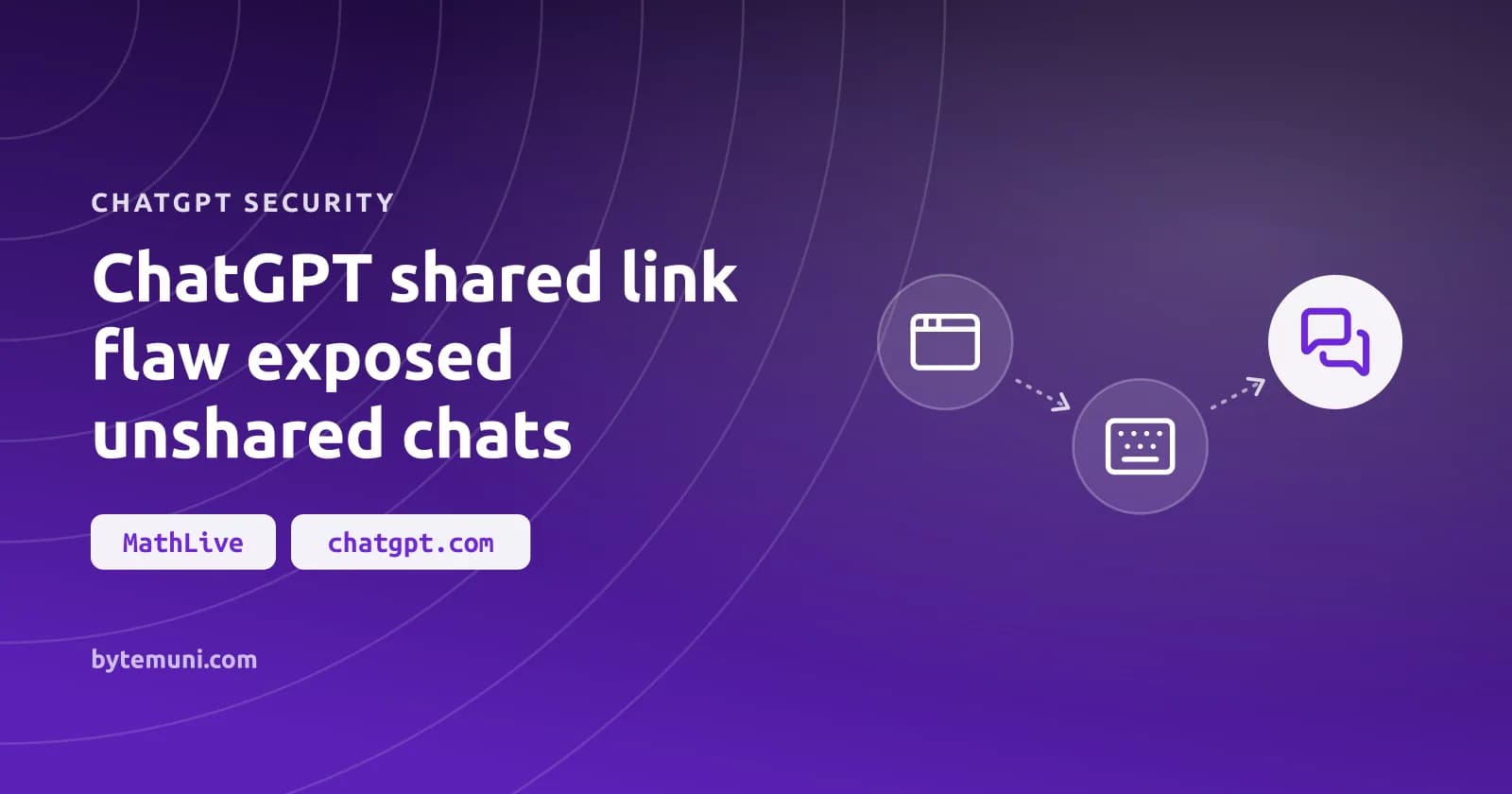
The ChatGPT shared link flaw meant a malicious shared conversation could run code in a signed-in recipient’s session and read private chats the recipient had never shared. OpenAI blocked the reported attack across both affected web frontend versions by October 26, 2026. Users have no patch to install: the failure was in trusted page components accepting untrusted content, not in software recipients needed to update on their own devices.
Security firm Parameter reported the issue through OpenAI’s bug bounty program on October 18, 2026, according to The Hacker News. OpenAI reproduced the attack and paid $5,000. Notebookcheck dates the escalation from P2 to P1 to October 21. Parameter published its findings on October 28.
The sandbox held; MathLive crossed the boundary
ChatGPT’s HTML Preview sandbox held. The attack took a different route into the trusted page: MathLive, the mathematical-input library that an interactive graph loaded in the same conversation.
Preview turns HTML in a conversation into a small web page. Because that content can contain arbitrary code, ChatGPT renders it in a restricted frame on a separate origin. The preview could not directly read the surrounding ChatGPT page.
The graph opened another route. To coordinate its on-screen mathematical keyboard, MathLive installed a listener in the main page. That listener accepted messages from any sender without adequately checking the sender’s origin or window. The keyboard-layout data also allowed raw HTML.
The attacker-controlled preview sent messages telling MathLive to replace a keyboard layout and display the keyboard. MathLive then inserted the markup through innerHTML, according to the Cloud Security Alliance’s analysis. A helper sat between the incoming data and its insertion into the page, but it was not a sanitizer.
The markup created an unsandboxed iframe using srcdoc. The browser treated that frame as belonging to chatgpt.com. ChatGPT’s content security policy blocked inline script, but allowed scripts from YouTube; that allowed script source supplied the final route to JavaScript execution.
Blocking that script source alone would have left the earlier HTML-injection path open. In a web security review, I’d inspect the cross-frame message receivers before accepting a tighter script allowlist as the complete repair.
What did Parameter demonstrate with the ChatGPT shared link flaw?
This was authenticated API access, not just a change to what the conversation displayed. Parameter’s proof listed conversations, retrieved a private chat that had never been shared with the attacker, and sent a small, selected portion of that chat to a researcher-controlled server.
The script read a session access token from a bootstrap element, then called ChatGPT’s authenticated APIs directly, the Cloud Security Alliance explains. The private data did not need to be on screen. Parameter assessed that the same access would also have allowed broader account actions, beyond the actions demonstrated in the test.
Parameter demonstrated two interaction paths for the ChatGPT shared link flaw. They asked different things of the recipient:
| Test variant | Recipient action | Reported qualification |
|---|---|---|
| Most reliable variant | Open the shared conversation and click Preview | Required an additional interaction inside ChatGPT |
| Later variant | Open the shared conversation | Preview opened automatically; Parameter reproduced this path three times on a separate account |
Nor did the recipient need to join a workspace or sign in through the attacker. The requirement that mattered was an existing signed-in session: the harmful access depended on that session already being there.
Parameter used accounts it controlled. I’d judge severity by the authenticated access Parameter demonstrated, not by the deliberately small amount of data the researchers chose to extract in their test.
Checking MathLive integrations after the upstream changes
MathLive changed its default message validation in version 0.111.2, released on October 31, 2026, according to the changelog cited by Notebookcheck. Same-origin validation is now the default.
That upstream change is separate from OpenAI’s repair for the ChatGPT shared link flaw. Teams building AI agents or chat interfaces should check their own rich-content components for the same message path; calling this an OpenAI-only problem leaves the question unanswered in those teams’ own integrations.
I’d stage a MathLive update around its cross-origin keyboard behavior before deploying it broadly.
- Identify the windows hosting the mathfield and virtual keyboard. Record which origins genuinely need to communicate with one another, rather than treating every window as a required peer.
- Explicitly allow trusted peer origins wherever the integration crosses origins. Do not disable validation just to bring back the old behavior.
- Move custom HTML keyboard layouts into the keyboard’s host window. Cross-window settings can select built-in layouts, but cannot supply custom layouts or keycap overrides—even when origin validation is disabled.
- Verify that legitimate proxy responses and mathfield commands come from the expected keyboard window. Check the other direction too: unrelated frames must not control the active mathfield.
- Test rejection as well as successful input. Unrelated messages should be silently ignored, and another frame should not be able to take over while the keyboard is visible.
The changelog tightens more than the origin-string check. State-changing messages are bound to the connected mathfield window; a show or settings message cannot select a different command recipient. Same-origin validation no longer treats unrelated opaque null origins as equivalent, and it no longer accepts a wildcard as the sender’s origin.
MathLive API removals can complicate an upgrade
MathLive’s changelog also documents API removals and dependency changes.
| Removed interface | Documented replacement |
|---|---|
mathfield.expression getter and setter | Parse mf.getValue() through the Compute Engine; set a value with mf.setValue(expr.latex) or mf.setValue(expr) |
"math-json" output from getValue() | MathfieldElement.computeEngine.parse(mf.getValue()).json |
convertMathJsonToLatex() | MathfieldElement.computeEngine.box(json).latex, or a boxed expression’s latex property |
For an existing mathfield named mf, the changelog gives this expression to obtain a boxed expression. The Compute Engine must be available for it to work:
MathfieldElement.computeEngine.parse(mf.getValue())The Compute Engine package is no longer a MathLive dependency. It was never bundled, according to the changelog; MathLive used it only for TypeScript types. Applications that load it globally can still use MathfieldElement.computeEngine, but the property is now typed as any. If an application needs the Compute Engine’s types, it should declare its own dependency rather than rely on MathLive’s.
Check the accessibility tests too. The mathfield’s role changed from math to group, with textbox available for the focusable element. Rendering may still pass an upgrade check while role-based selectors miss that compatibility change.
Reviewing ChatGPT shared links after the fix
| Conversation link | Who can open it | What happens to later messages |
|---|---|---|
| Personal account | Anyone with the link | Later messages are not included automatically; updating the link updates the snapshot |
| Managed workspace | Eligible members of the same workspace | The shared conversation can include messages added after sharing |
OpenAI provides this route through Settings to inspect the list of shared links:
- Open Settings.
- Select Data controls.
- Beside Shared links, select Manage.
- Select Delete shared link for an individual item, or use More actions and then Delete all shared links to remove every link.
Before deciding what to retain, review what each link actually shares, including supported images and uploaded files. I’d delete a personal-account link containing sensitive work rather than trust its address to be difficult to discover. Deleting the shared link stops future access through that link. The original conversation stays; deleting its shared link does not delete the conversation itself.
ChatGPT chat locks do not revoke shared links
Locking a ChatGPT conversation does not delete an existing shared link. People who can open that link can still view previously shared content, OpenAI’s help page says. New messages sent while the chat is locked are not added.
The PIN lock is not encryption either, according to Notebookcheck. It limits viewing by someone with access to the device.
For unsolicited conversation links, Notebookcheck recommends opening a private browser window where you are not signed in. That recommendation targets the existing authenticated session the demonstrated attack required.
Frequently asked questions
Was there confirmed exploitation against real ChatGPT users?
Parameter reported no evidence of real victims and tested the private-chat proof using accounts it controlled. The Cloud Security Alliance notes that OpenAI had not publicly commented on exploitation. The demonstration does not establish that a particular reader’s account was compromised.
Did the attack require entering credentials on an attacker’s website?
No. The demonstrated attack used the recipient’s existing signed-in ChatGPT session. It did not require installing software, joining a workspace, or signing in through the attacker. The later variant required only opening the malicious shared conversation.
Does ChatGPT’s chat PIN encrypt conversations?
No. According to Notebookcheck, the PIN lock restricts viewing by someone with access to the device but does not encrypt conversations. OpenAI also says locking a chat does not delete an existing shared link.
Sources: ChatGPT flaw let a shared link read your private chats - Notebookcheck News, “Opening the shared link was the only required action”: ChatGPT privacy flaw is fixed, ChatGPT flaw could let shared links expose private chats | Межа, A Shared ChatGPT Link Could Run Attacker Code in Your Session and Read Private Chats, project's changelog, OpenAI's help page, Cloud Security Alliance’s analysis
How we research, write and check articles