OpenSSH flaw lets attackers into key-only Alpine accounts
OpenSSH password checks on Alpine can accept key-only accounts; check exposure, install the fixed package and restart sshd, or disable password logins.

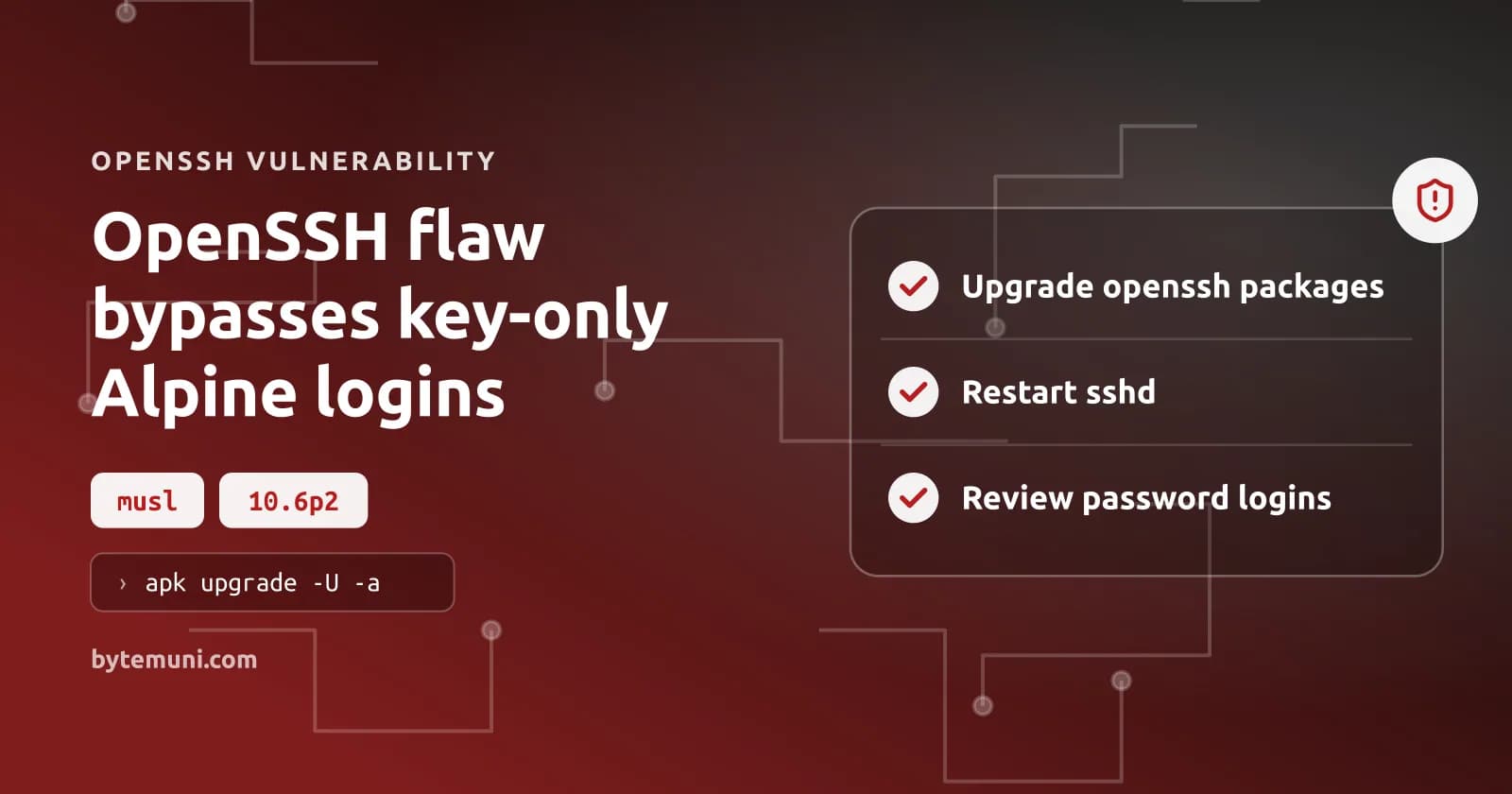
The OpenSSH flaw lets remote attackers log in to certain key-only accounts on Alpine Linux without knowing a password. OpenSSH, which handles remote SSH logins, has shipped a fix, and Alpine has patched its packages.
Alpine's security advisory traces the problem to the interaction between non-PAM password checks and musl, Alpine's C library. The Hacker News reports that OpenSSH rates the flaw critical.
Which Alpine servers does the OpenSSH flaw expose?
Every condition in Alpine's list below must be true for a server to be exposed. There are two requirements for the attacker as well: network access to SSH and the name of an account whose password field contains an asterisk.
| Check | Required condition for exposure |
|---|---|
| Authentication implementation | The openssh-server package, built without PAM, or openssh-server-pam with UsePAM no |
| SSH password authentication | PasswordAuthentication yes, the OpenSSH default |
| Target account | A password field containing * |
| Another local account | A password hash beginning with $5$ or $6$ |
One account with a qualifying password hash is enough. It exposes every otherwise reachable account with a * password field, not just an account associated with that hash. Alpine says the attack needs one connection, succeeds every time under these conditions and requires no retries. BleepingComputer notes that the bypass does not work against accounts with valid password hashes.
Check key-only users created with adduser without a password, or with usermod -p '*'. Alpine also lists directory-service users accessed through musl-nscd, including nslcd, winbind and sssd. Those users have no shadow entry, which puts them among the accounts that need checking rather than outside the scope of the review.
I'd base an SSH security review on the authentication settings and account fields actually on the machine—not on the fact that users routinely log in with keys, which does not make the server safe from a password-authentication flaw.
Containers without sshd are unaffected. So are non-Linux systems and glibc-based Linux systems. Alpine's cloud-init configuration writes PasswordAuthentication no. Accounts locked with ! in /etc/shadow are not vulnerable either; Alpine says those accounts cannot log in by password or by key.
Kültekin names OpenWrt, Buildroot and Yocto as other musl-based systems that warrant attention. OpenWrt uses Dropbear by default, and Kültekin says Dropbear is unaffected. For OpenWrt, check whether an administrator installed an OpenSSH server.
Alpine tiny-cloud images can turn an SSH login into root
Some official Alpine cloud images give an attacker a direct path from the bypass to root. The reason is specific: the alpine user has passwordless doas privileges.
Alpine identifies tiny-cloud images 3.18.11 through 3.24.3 as affected, including qcow2, VHD and AMI artifacts. They are safe at first boot. That changes once any $6$ password hash exists on the machine—for example, because an administrator sets a console password or user-data adds a user with hashed_passwd.
I'd prioritize tiny-cloud instances where either provisioning action occurred: the account exposed by the bypass already has the privileges needed to take over the machine, so the consequence is not limited to an unexpected user login.
The base image has shipped root:* since about Alpine 3.16. Direct password login as root is blocked by the default setting, PermitRootLogin prohibit-password; exploiting root directly requires PermitRootLogin yes.
How the OpenSSH flaw turns a hashing error into a login
Two asterisks match. That is the failure. One is stored in the account's password field; the other is musl's return value for a hashing error. OpenSSH compares the two and accepts the match instead of rejecting the failed hash operation.
Without PAM, sshd passes the submitted password to crypt(), then compares the resulting hash with the stored password field. A field containing only * is too short to hold a salt, the random prefix used with a password hash. OpenSSH handles that case by borrowing a salt from another account—one that has a real hash.
For $5$ and $6$ hashes, musl rejects passwords longer than 256 bytes and returns *. That returned asterisk matches the target account's stored field. There is an upper bound, too: sshd imposes its own limit of 1,024 bytes per password, so the input used for this bypass cannot grow indefinitely.
Ground News describes the accepted input range as 257 to 1,024 characters, while The Hacker News uses bytes, not characters. Alpine's primary advisory confirms 257 to 1024 bytes.
Two earlier defensive changes in musl contribute to this behavior. On August 9, 2012, musl changed failed hashing calls to return an error hash instead of NULL because many programs did not check for failure. The password-length limit came on August 29, 2012, as a defense against denial-of-service attacks.
OpenSSH added salt borrowing on July 15, 2016, while fixing the username-enumeration flaw CVE-2016-6210. Hashing passwords even for accounts without usable hashes was intended to stop timing differences from revealing valid usernames. Özgün Kültekin of Wakefield, who reported the new flaw, dates the problem to that OpenSSH change.
My read is that the critical mistake is treating an error result as a comparable credential: each component's defensive behavior made sense on its own, but putting those behaviors together produced an unsafe authentication check.
OpenSSH 10.6p2 rejects a match when the stored field is shorter than four characters. OpenSSH calls that change a workaround and says the root cause is outside sshd.
Updating Alpine's openssh packages and restarting sshd
I'd use Alpine's patched package for the installed branch rather than replace the server with a self-built upstream binary. For package verification, use the branch-specific versions below, not just the upstream version number: a stable package can contain the fix without having 10.6p2 anywhere in its version string.
| Branch | Fixed openssh version |
|---|---|
| edge | 10.6_p2-r0 |
| 3.24 | 10.3_p1-r2 |
| 3.23 | 10.2_p1-r1 |
| 3.22 | 10.0_p1-r11 |
| 3.21 | 9.9_p2-r1 |
| 3.20 | 9.7_p1-r6 |
| 3.19 | 9.6_p1-r3 |
| 3.18 | 9.3_p2-r4 |
| 3.17 | 9.1_p1-r7 |
| 3.16 | 9.0_p1-r6 |
Update the packages using the command in Alpine's advisory:
apk upgrade -U -aRestart sshd; the running daemon must use the patched code:
rc-service sshd restart
Point releases 3.21.10, 3.22.8, 3.23.8 and 3.24.4 include the fixed package, as do tiny-cloud images built from those releases and later. Publishing a fixed image does not repair machines already running from older images; those machines still need remediation.
Alpine 3.21 reached end of support on November 1, 2026. Despite that deadline having passed, Alpine published fixed packages back through 3.16 for this flaw. These are exceptional fixes, not a change in support status.
Disabling Alpine SSH password logins without losing access
If the update has to wait, disable password authentication to close the OpenSSH flaw.
Test a new SSH key login. Leave your current session open until that new login succeeds.
Run Alpine's mitigation as root. It writes a drop-in file, changes the password-authentication directives in the main configuration, validates that configuration, restarts sshd and prints the resulting setting:
mkdir -p /etc/ssh/sshd_config.d
echo 'PasswordAuthentication no' > /etc/ssh/sshd_config.d/00-no-passwords.conf
sed -i.bak -e '1i PasswordAuthentication no' \
  -e 's/^\(\s*PasswordAuthentication[^y#]*\)yes/\1no/i' \
  /etc/ssh/sshd_config
sshd -t && rc-service sshd restart
sshd -T | grep -i passwordauthentication
Expect the last command to print passwordauthentication no. Alpine's default configuration reads the drop-in directory starting with 3.19; earlier releases ignore it. That is why the main-file edit is necessary, rather than just the drop-in. The edit replaces every matching yes directive, including those inside a Match block, and inserts a disabling directive at the top if none existed.
The command preserves the original configuration at /etc/ssh/sshd_config.bak. To reverse the change, Alpine says to delete /etc/ssh/sshd_config.d/00-no-passwords.conf and copy that backup over /etc/ssh/sshd_config.
Checking Alpine authentication logs for unexpected password logins
Search Alpine's authentication messages for successful password logins using BleepingComputer's command:
grep "Accepted password" /var/log/messagesIf those results name the default alpine account, inspect its password field:
grep '^alpine:' /etc/shadow
A successful password login alongside a * password field could indicate exploitation. Check for the same combination for root and other key-only users.
For exposed machines, Alpine also calls for reviewing doas use and recently created users, files and authorized keys. Its threshold for incident response is explicit, rather than dependent on finding a confirmed exploit: If you cannot rule out a login, treat the machine as compromised, the advisory says.
OpenSSH disclosure timing and the disputed CVE label
The vulnerability identifier is disputed. Ground News lists CVE-2026-123158, but The Hacker News says no CVE identifier had been assigned at publication. Alpine's advisory also says none had been assigned at the time of writing.
The Hacker News reports that Damien Miller's team shipped the fix as quickly as it could after learning about the flaw. Miller argued against long embargoes for a specific reason: the team had recently seen AI agents independently find the same bugs, sometimes within hours.
BleepingComputer reports that Kültekin found this vulnerability using AI agents. The agents ran about 17,600 authentication tests. Those tests covered different OpenSSH configurations, malformed password hashes and oversized passwords.
Frequently asked questions
Do stable Alpine branches need an OpenSSH 10.6p2 package?
No. Alpine's stable branches carry patches for the same problem under their existing version lines. Match your branch to the fixed package table, install the update and restart sshd.
Can I replace * with ! and keep SSH key access?
Alpine says accounts locked with ! in the password field cannot log in with either a password or a key. That is not an equivalent replacement for a key-only account; patching sshd or disabling SSH password authentication preserves the intended key-based access.
Does the flaw bypass an account's valid console password?
No. BleepingComputer says accounts with valid password hashes are not themselves bypassed. A local account with a $5$ or $6$ hash instead enables the attack against other eligible accounts whose password field contains *.
Sources: OpenSSH Flaw Lets Attackers Access Password-Disabled Accounts on some Linux Systems, OpenSSH Issues Emergency Fix for Flaw Letting Long Passwords Bypass SSH Auth on Alpine Linux, Security advisory: openssh-server password authentication bypass | Alpine Linux, Get root on a musl Linux system by slamming it with an overly long password, OpenSSH flaw lets attackers log into password-disabled Linux accounts, 11 Real Stories: How Identity Exposure Unlocks Active Attack Paths Map cross-domain privilege escalation to sever breach
How we research, write and check articles