Custom Copilot Tools Now Have Names in Usage Reports
Custom skills and agents now appear by name in Copilot reports; use client version checks and export safeguards to assess adoption without misreading counts.

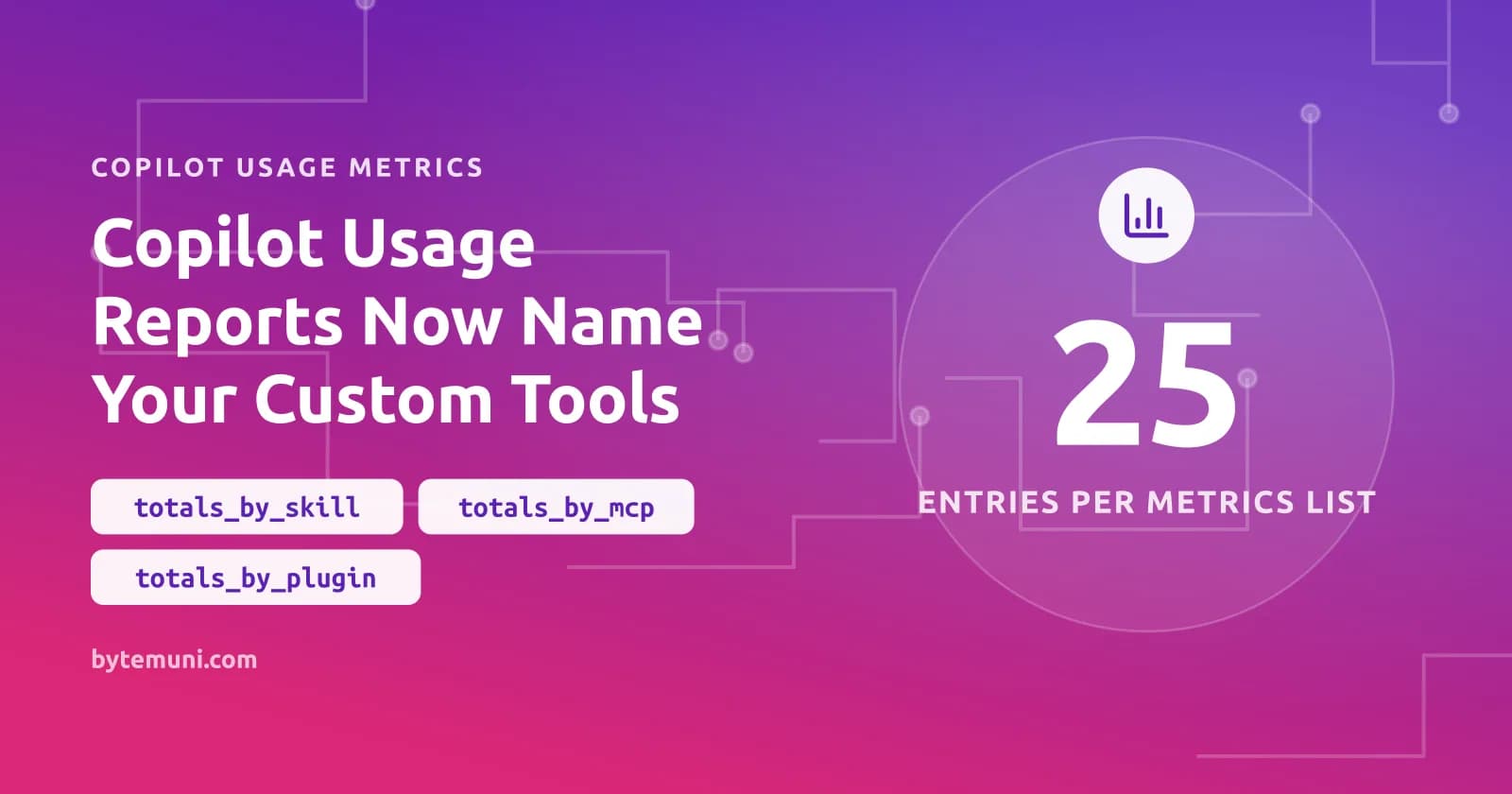
The Copilot usage metrics API now reports your organisation’s custom skills, agents, Model Context Protocol (MCP) servers, slash commands and plugins under their configured names. Administrators can see which internal customisations developers actually use, then assess adoption after a rollout against the names those customisations already have.
GitHub released the change on October 22, 2026—yesterday—in its usage metrics announcement. It extends the agentic CLI customisation metrics released in September.
Which Copilot reports expose custom names?
Named entries appear in both enterprise and organisation reports: per-user 1-day and 28-day reports, aggregated 1-day reports, and day_totals within aggregated 28-day reports. The affected arrays are totals_by_skill, totals_by_custom_agent, totals_by_mcp, totals_by_slash_cmd and totals_by_plugin.
| Report detail | Before this release | After this release |
|---|---|---|
| Customer-defined item identity | Grouped under other or custom | Configured name, subject to the naming rules |
| Entries in each affected list | Up to five per record | Up to 25 per record, with remaining activity combined into a trailing other entry |
| Count calculations | Existing calculations | interaction_count and distinct_*_use_count calculations remain unchanged |
For an ingestion job consuming a GitHub API, my first checks would be fixed-size assumptions and hard-coded label sets. A consumer that accepts only the old grouping labels now needs to accept configured names as data, not reject them as unexpected values.
Copilot client coverage determines whether names arrive
Custom names come from supported CLI, app, ACP and SDK experiences. An IDE’s built-in chat telemetry does not supply them.
| Client or experience | Requirement for reported names |
|---|---|
| Copilot CLI interactive sessions | Included in coverage |
| Copilot CLI prompt mode | Copilot CLI 1.0.97 or later |
| GitHub Copilot app | Copilot CLI 1.0.97 or later |
| ACP integrations, such as JetBrains | Copilot CLI 1.0.97 or later |
| Copilot SDK | v1.0.21 or later |
| IDE agent experiences | Running on Copilot SDK v1.0.21 or later |
| IDE built-in chat telemetry | Names are not reported |
Before planning client updates, I’d establish which experience developers actually use. Checking a CLI dependency and checking an SDK-backed agent experience are different tasks, even though both can feed these reports.
Retrieving a named Copilot usage report
- Confirm the report reader’s access. The announcement lists enterprise owners, billing managers, organisation owners, and custom organisation or enterprise roles granting “View Copilot Metrics”. For the enterprise endpoint below, I’d follow the more specific requirement in its documentation: enterprise owners, billing managers or authorised users with “View Enterprise Copilot Metrics”.
- Enable the metrics policy. The API documentation requires the enterprise’s “Copilot usage metrics” policy to be set to Enabled everywhere.
- Request the latest enterprise report. Replace
ENTERPRISEwith the enterprise slug and<YOUR-TOKEN>with an appropriately authorised token. This documented request retrieves download links for the latest 28-day report.curl -L \ -H "Accept: application/vnd.github+json" \ -H "Authorization: Bearer <YOUR-TOKEN>" \ -H "X-GitHub-Api-Version: 2026-03-10" \ https://api.github.com/enterprises/ENTERPRISE/copilot/metrics/reports/enterprise-28-day/latest - Download the returned report files. Retrieve the files identified by
download_linksbefore the signed URLs expire.
OAuth app tokens and personal access tokens (classic) need either manage_billing:copilot or read:enterprise for this enterprise endpoint. A fine-grained token needs the Enterprise Copilot metrics enterprise permission with read access. I’d verify those requirements against this endpoint, rather than assume that satisfying them also establishes access to every organisation report.
The latest report is generated daily and covers a complete 28-day period ending on the most recent processed day. Read the returned report_start_day and report_end_day; those fields identify the period retrieved, rather than leaving the ingestion job to infer it from the endpoint name.
For a dated check, use the documented daily path, /enterprises/ENTERPRISE/copilot/metrics/reports/enterprise-1-day?day=DAY, with DAY in YYYY-MM-DD form. The response supplies report_day. The enterprise endpoints document 200, 403, 404 and 500 responses. I would not let a failed request quietly become an empty usage day: “could not retrieve the report” and “no reported usage” must remain distinct.
Named Copilot reports do not backfill earlier days
Names appear only for report days processed after this release. Earlier days retain their other or custom labels.
I’d read the first appearance of a named custom agent as the point when its identity became visible in the report—not automatically as its first use.
The daily-report documentation gives October 10, 2025 as the availability starting point. Historical access is limited to up to one year from the current date. I would read those statements together: the availability date is not a promise that the entire archive remains retrievable indefinitely.
Client telemetry cannot provide exact Copilot accounting
These reports depend on client telemetry. They can undercount activity, and GitHub explicitly names outdated clients and blocked telemetry as examples of why.
I’d use a named entry to ask whether an internal customisation is gaining reported usage. I would not use it to reconcile every invocation. An absent name leaves an unanswered question: did nobody use the customisation, or did collection miss the activity? The report alone cannot distinguish those cases.
For an AI coding agent, reported usage does not assess whether the output is correct.
Configured Copilot names need an export review
Names are reported as configured, with trimming and a 128-character limit. Names that look like file paths still go under other or custom.
I’d look for labels containing internal information that should not travel with an externally shared adoption report, rather than treating the label columns as harmless context.
When matching a report to an internal catalogue, I’d use each name’s reported form, then check whether trimming or the character limit leaves any ambiguity.
Frequently asked questions
Does enabling Copilot usage metrics automatically give every developer report access?
No. The policy must be enabled, but access also requires an eligible owner or billing role, or a custom role granting the relevant Copilot metrics permission. API tokens must satisfy the endpoint’s authentication requirements.
Why does a customisation still appear under other or custom?
Documented reasons include a name that looks like a file path, a report day processed before the release, or activity beyond the list’s visible entries. Check the client coverage and version requirements as well.
Can the latest 28-day report show activity from today?
The endpoint returns a complete 28-day period ending on the most recent day for which data has been processed, not a live activity feed. Check report_start_day and report_end_day rather than assuming the window ends today.
Should a missing named entry be treated as zero adoption?
No. Client telemetry can undercount activity, including when clients are outdated or telemetry is blocked. A missing entry alone does not establish that nobody used the customisation.
Source: github.blog
How this article was made: drafted with AI from the source above, then fact-checked against it before publishing.