GitHub Copilot Adds Peer Benchmarks Without API Exports
Copilot industry comparisons add peer benchmarks for agent adoption and PR throughput; this guide explains eligibility, opt-in policy and reporting limits.

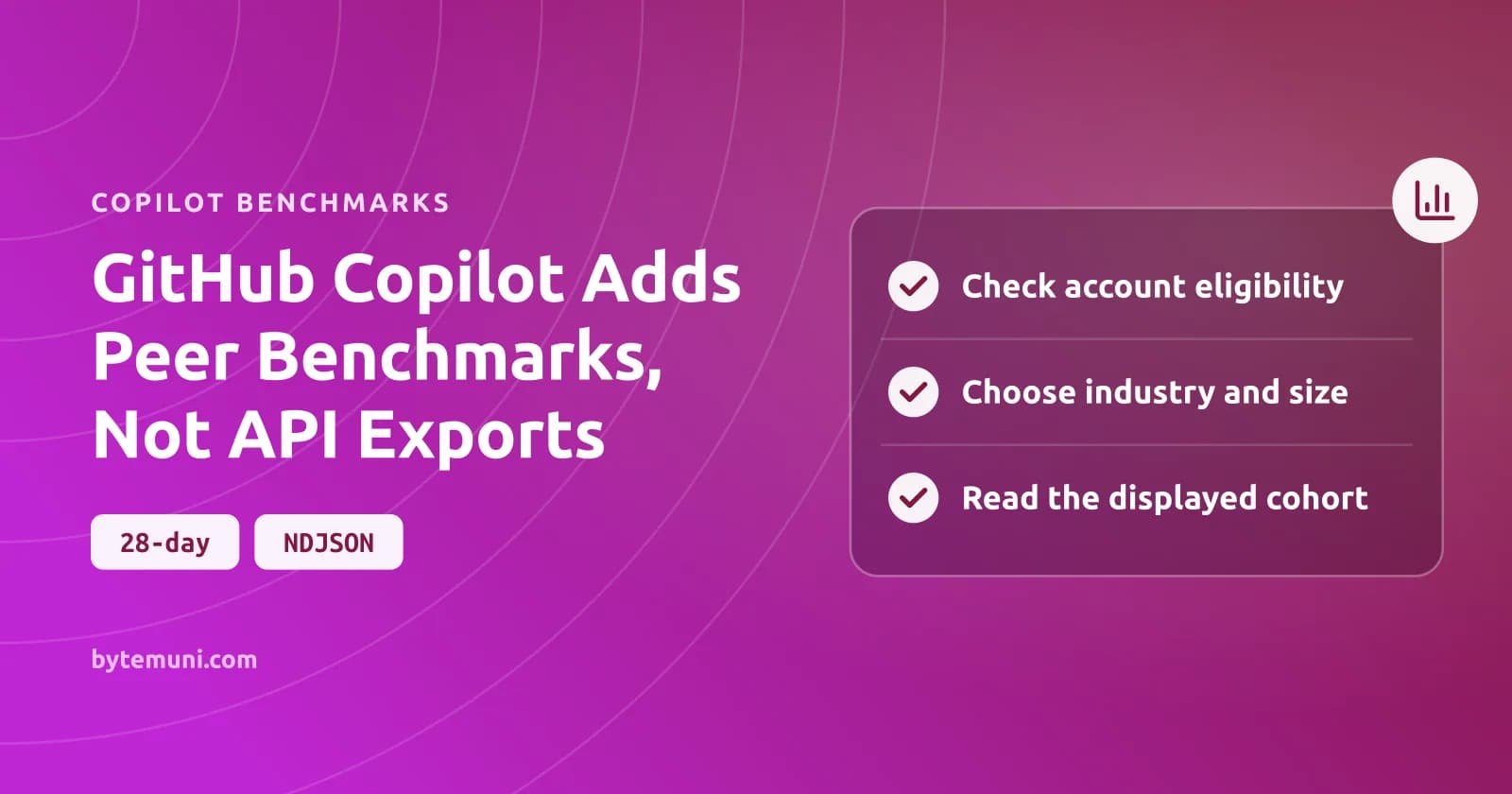
Copilot industry comparisons let eligible enterprises and independent organizations compare agentic adoption and pull request throughput with participating peers. Participation is off by default.
GitHub introduced the feature today, 22 October 2026, in its Copilot impact dashboard announcement.
What Copilot's adoption and leverage benchmarks actually measure
I read adoption as a measure of how deeply people engage with Copilot; leverage compares throughput between groups of users.
| Comparison card | What it measures | How to read it |
|---|---|---|
| Agentic adoption | The percentage of active users who are agent-first or multi-agent users. | How much of your active population belongs to those adoption cohorts. |
| Leverage | Pull request merge rate per user per month for agentic users compared with non-agentic users. | A comparison of throughput between groups, requiring a non-agentic baseline. |
I'd resist reading it as proof that moving a particular user to an agentic workflow will produce the same result. That distinction matters to how I'd use the card: useful for deciding where to investigate adoption, but insufficient on its own to justify a staffing decision or commit to a delivery date.
Check account eligibility before looking for the opt-in
Enterprise owners can enable comparisons. So can owners of organizations outside an enterprise. Enterprise-owned organizations take a different route: they participate through their enterprise and cannot opt in independently.
Enterprises used only to assign Copilot Business licenses cannot participate because leverage cannot be calculated for them. I'd rather establish eligibility than ask an administrator to hunt for a control the account cannot use. Viewing and enabling also require different permissions: anyone who can view the dashboard can see the comparison results, but the owner chooses whether to participate and which peer group to select.
- Check that the Copilot usage metrics policy is enabled.
- Open your enterprise on GitHub, select Insights, then select Copilot impact in the sidebar.
- In the Industry comparison widget, select Opt-in for industry comparison and review how the data is used.
- Choose both Industry type and Company size. Both values are required to create the peer cohort.
- Select Opt in.
Those steps are the documented enterprise route. An eligible organization owner can instead use the widget or the organization's Copilot policies to opt in. There is only one setting here: the widget and the centrally managed Copilot metrics industry comparison policy both control it.
The source lists ten industries and gives company-size examples of 1–999, 1,000–4,999, and 5,000+ employees. I'd choose the category that actually describes the company. A more flattering ranking is not a reason to choose a different one.
Read the displayed cohort before trusting the ranking
When too few businesses participate, GitHub broadens the comparison to all industries within the same company-size group. Too few participants even there? No ranking. The dashboard labels the cohort it actually uses, and that is the label I'd read before interpreting the result.
Comparisons cover the selected 28-day reporting period. They refresh daily. Once enough participants form a cohort, the median comparison appears first; a comparison with the top decile becomes available as that cohort grows. The cards also show your percentile ranking and the differences between your results and the available benchmarks. None of those states, on its own, would persuade me that the account is configured incorrectly.
I'd record the displayed peer label alongside any score I put in an internal report, rather than leave readers with a number and no way to tell which businesses that comparison can represent.
With no active users, a score can be incalculable; with every active user already agent-first or multi-agent, leverage has no non-agentic baseline to compare against.
On GitHub Enterprise Cloud with data residency, comparisons include only participants in the same region.
Changing cohorts and opting out run on different clocks
Change the peer selection and the widget updates immediately. Your contributed data does not move into the new cohort until the next daily update.
Participation and access are tied together, whether you change the setting in the widget or through the policy.
GitHub says the aggregated benchmarks contain no identifying data and are deleted after 30 days. Opting out does not immediately delete aggregate results already calculated. I'd spell this out for whoever approves metrics sharing: the cards disappear immediately, your contribution ends at the next daily update, and the stated aggregate retention period is a separate matter.
Copilot PR benchmarks do not establish financial ROI
The dashboard has a separate potential-return-on-investment section, and even that offers directional estimates rather than exact financial results. In a discussion with a budget owner, I'd keep those uses apart instead of letting a peer ranking stand in for the estimates the ROI section actually provides.
For the ROI view, the documentation tells administrators to select a compensation band under Average developer cost in your organization. The Transition your developers to be agent-first card then compares cost, payroll, and pull request estimates for Phase 0-1 Passive and Code First Users and Phase 2-3 Agent First Users. GitHub advises reading them alongside the adoption multiplier metrics for code shipped and time to merge pull requests, which is how I'd frame that part of the dashboard discussion.
The same limit applies to a specific workload: if a team is evaluating AI coding agents for reverse engineering, I'd assess the work those agents produce separately.
Dashboard-only comparisons leave automation without an export
Industry comparisons are absent from the Copilot usage metrics API, NDJSON exports, and downloads.
If the requirement is an automated peer-benchmark feed, I'd leave participation disabled. For an eligible engineering organization that accepts the contribution policy and wants a dashboard-based reference for adoption discussions, I can see a clear reason to opt in.
Frequently asked questions
Can an enterprise-owned organization opt in separately?
No. Organizations owned by an enterprise participate through that enterprise. Owners of organizations that are not enterprise-owned can control participation for their own organization.
Does opting in expose my organization's identity in peer benchmarks?
GitHub says the aggregated benchmarks contain no identifying data. For GitHub Enterprise Cloud with data residency, comparisons are restricted to participants in the same region.
Does a missing leverage ranking mean agentic adoption is low?
No. If all active users are agent-first or multi-agent, there is no non-agentic baseline for leverage. Rankings can also be unavailable because there are no active users or not enough participating peers.
Source: github.blog
How this article was made: drafted with AI from the source above, then fact-checked against it before publishing.